GrayCat Player
Watch local video on your Mac. Step through a recording frame by frame and save the part you need.
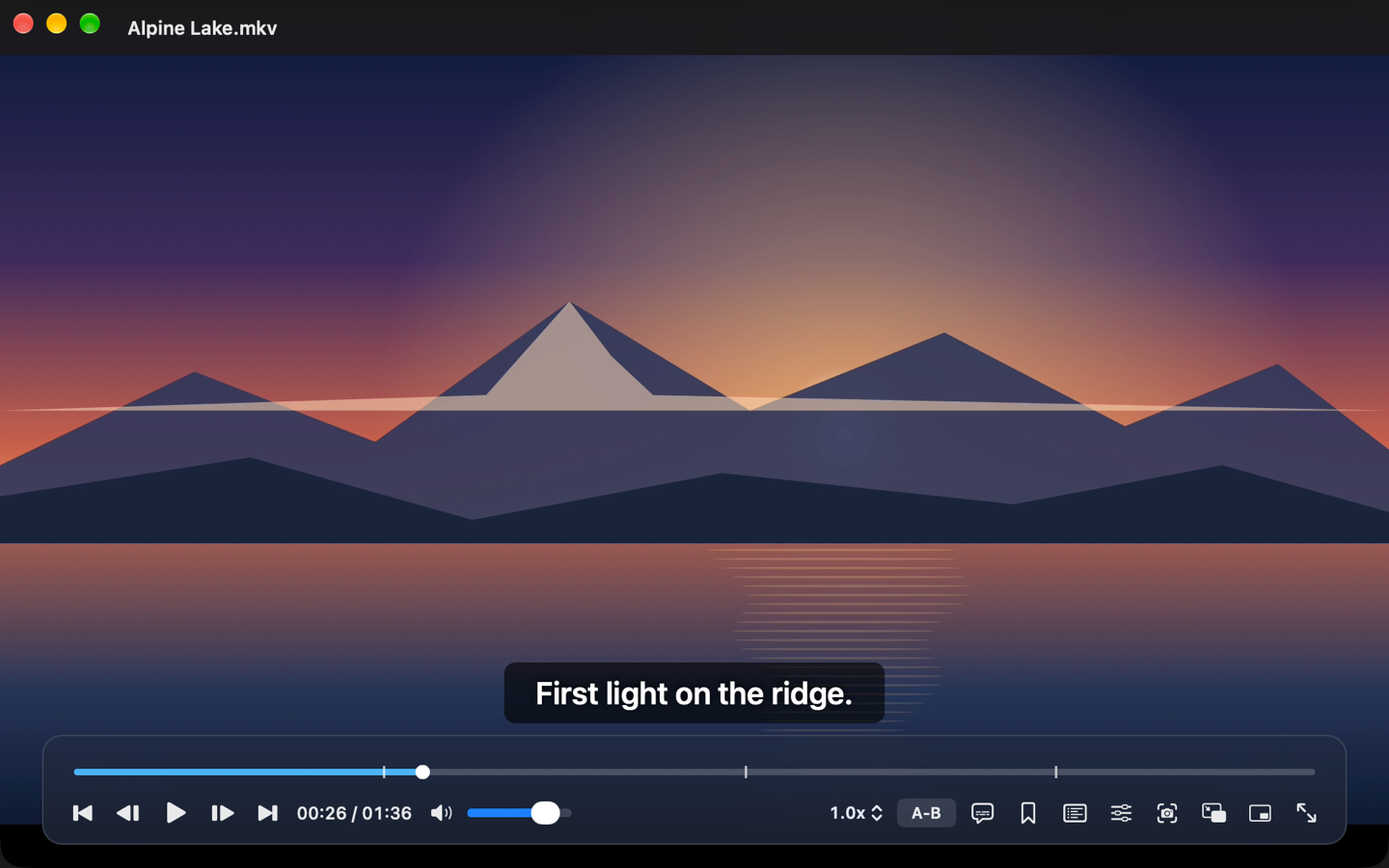
Open a video file, an unencrypted Blu-ray folder or a Blu-ray ISO image. Loop a passage, take stills at regular intervals, or save a clip as an MP4. Open a TeslaCam folder to watch several camera angles together.
For Apple silicon Macs running macOS 12 or later.